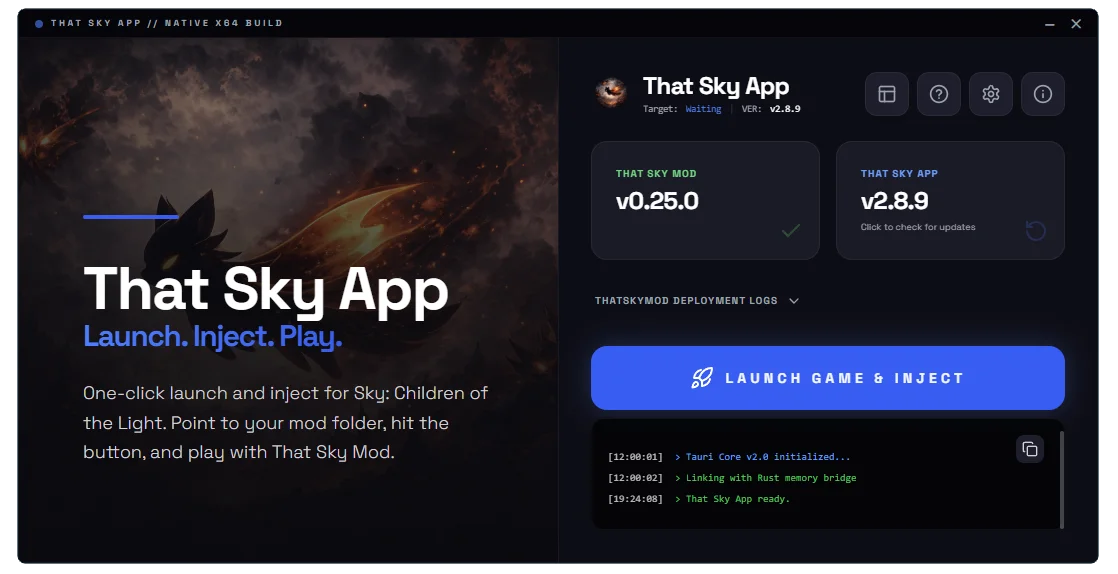
That Sky App for PC
Download the official That Sky Mod application for Windows. Mod menu, cosmetics, unlock all, and more for Sky: Children of the Light.
Features
How to Install That Sky App on PC
Follow these simple steps to install and run That Sky Mod on your Windows computer
Download the EXE
Click the download button above to get the latest version of ThatSkyApp.exe. The file is about 21 MB.
Run the Installer
Locate the downloaded file in your Downloads folder and double-click ThatSkyApp.exe to run it. Windows may show a SmartScreen warning — click 'Run anyway'.
Follow the Setup Wizard
The installer will guide you through the setup. Choose your installation path and follow the on-screen instructions.
Launch That Sky App
Once installed, launch That Sky App from your desktop shortcut or Start menu. The app will check for updates automatically.
Configure Your Mods
Use the in-app mod menu to enable features like cosmetics unlock, infinite flight, speed hacks, and more. Customize your Sky experience.
Launch and Enjoy
Launch Sky: Children of the Light through the app and enjoy your modded experience!
System Requirements
Note: You need Sky: Children of the Light installed to use the mod features.